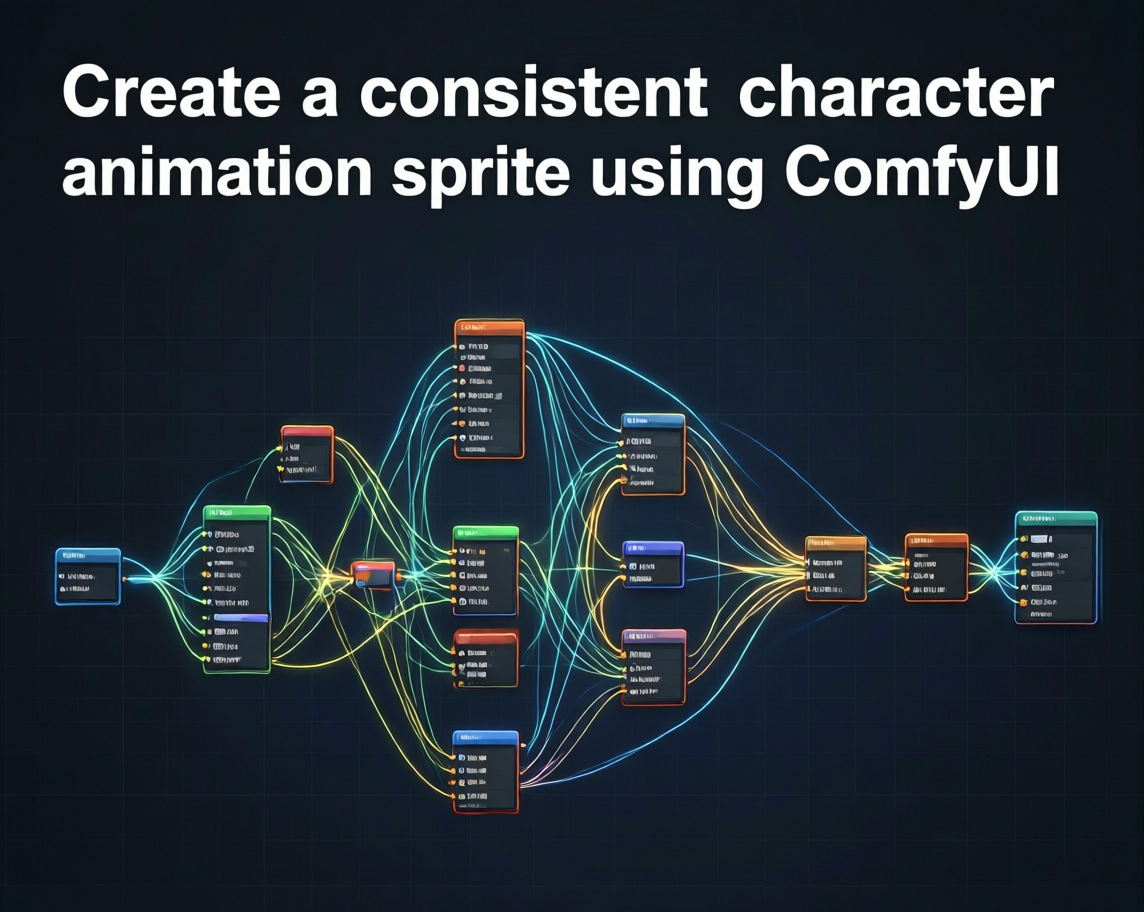
Create a consistent character animation sprite using ComfyUI
A downloadable project
Step - 1
We need to generate the character in a T-pose or A-pose. Use Pose ControlNet to create your character. Qwen Image Edit and Flux allow you to generate without using the ControlNet model. For this step, you can use one of the official ComfyUI workflows. You also need to generate the character from the back and right-side profiles. Use Qwen Image Edit 2511 to generate those as well.
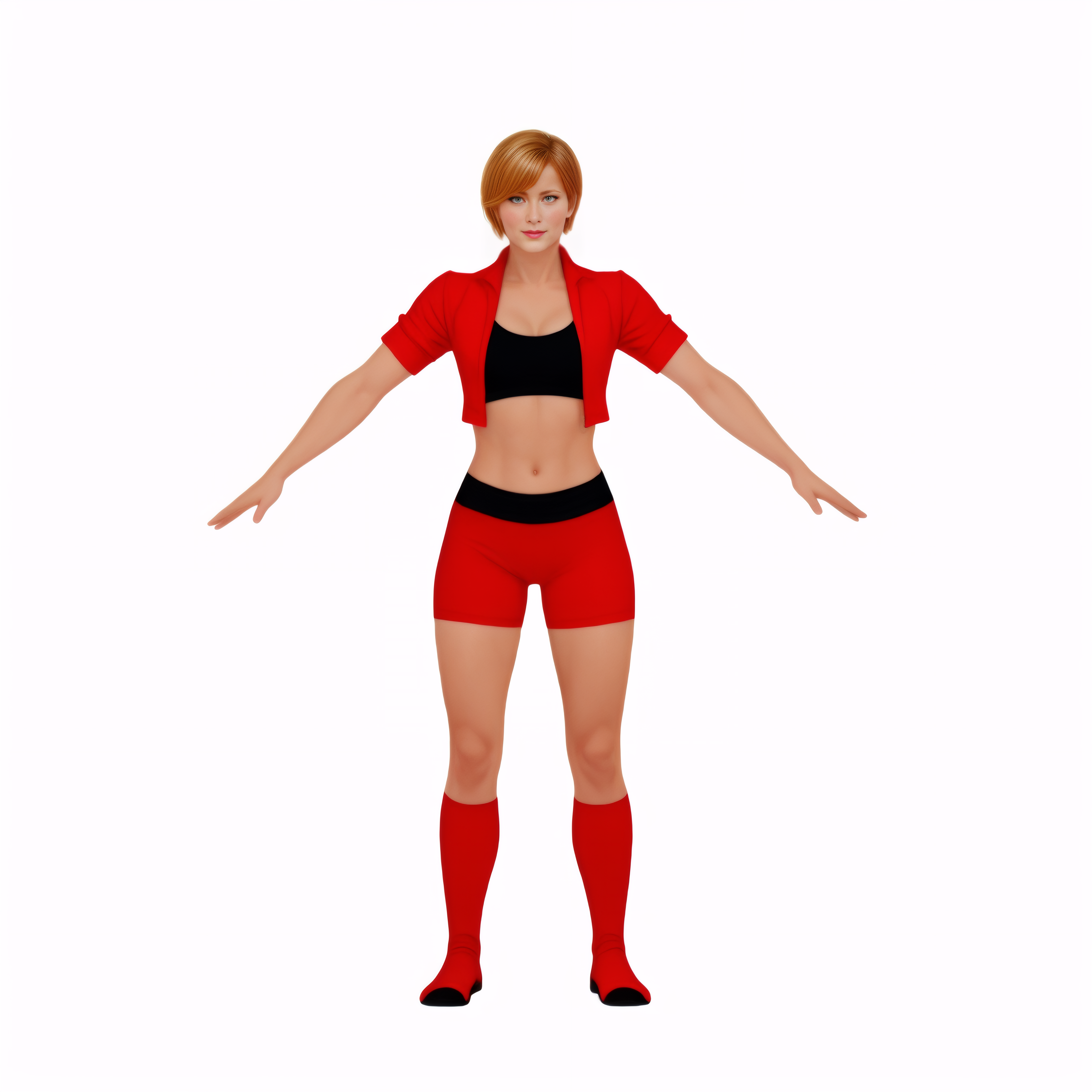
Image for 3d generation.
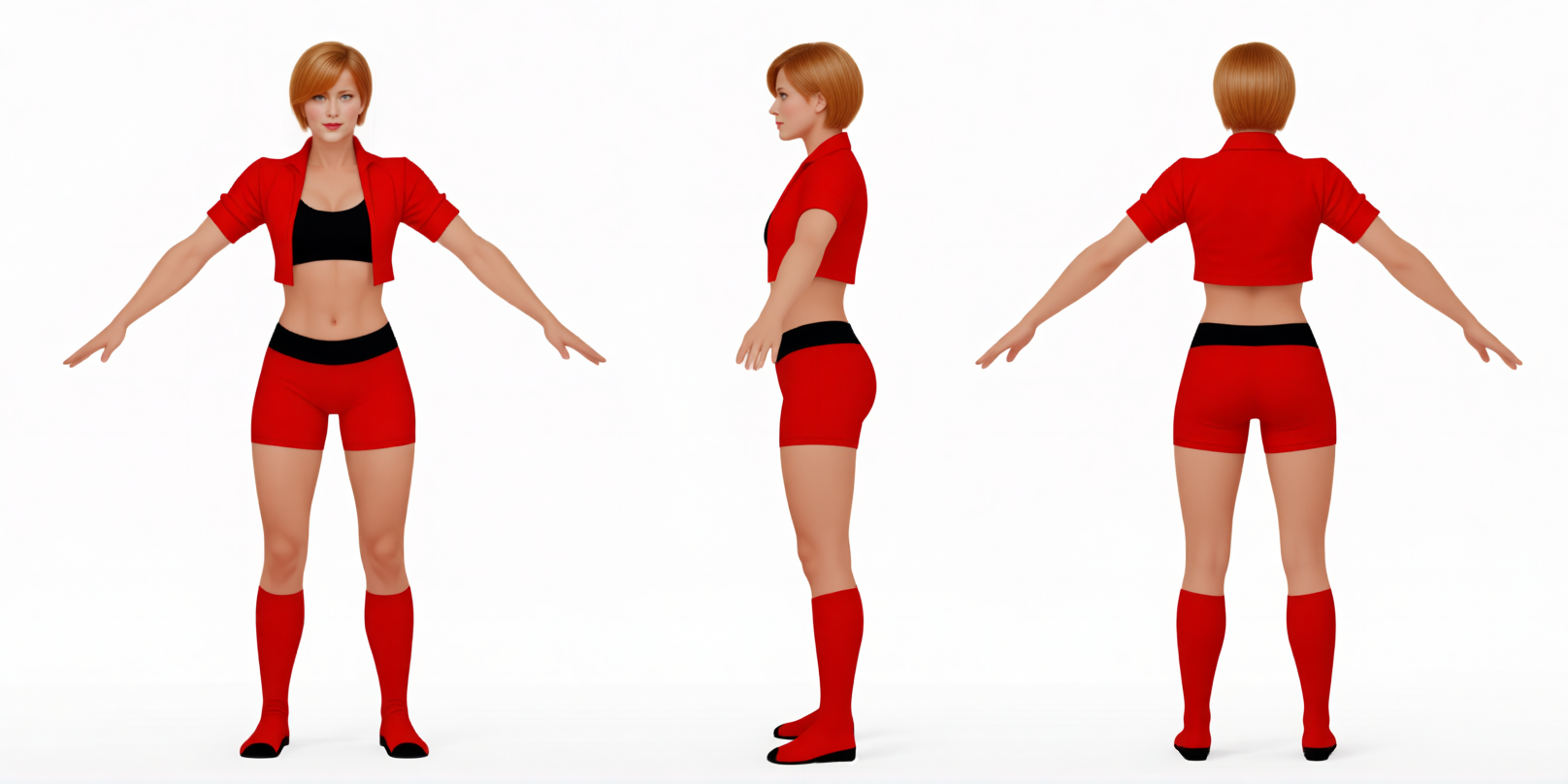
Image for sprite gen. For consistency we need this image.
Step - 2
Now we need the character’s 3D model. You can generate the model using ComfyUI or Tencent’s own website. The model doesn’t need to have textures, but having textures—even if they are imperfect—can help the AI a little, although it is not necessary.
https://3d.hunyuan.tencent.com free for now
download Latest_Mesh_Gen.json for ComfyUI
Step - 3
Now we need to rig the character. You can rig it using Blender. You can also use Mixamo. I’m sharing a few tutorials for this step.
https://www.youtube.com/watch?v=DDeB4tDVCGY
https://www.youtube.com/watch?v=_zKnaVeSYhk
https://www.youtube.com/watch?v=0aOBefSBNqk
Step - 4
After rigging, we also need animations. You can obtain animations from any platform you want (Unity Asset Store, Mixamo), or you can create your own animations using Qwen Motion 1.0.
https://www.youtube.com/watch?v=nDlMBCO8Np8
https://github.com/Tencent-Hunyuan/HY-Motion-1.0
https://github.com/jtydhr88/ComfyUI-HY-Motion1
Step - 5
Using the animation you obtained, generate an animation sprite sheet consisting of a maximum of 6 sprites (16GB VRAM). I use Unity for this method, but you can also use Blender.
https://www.youtube.com/watch?v=_J5okZLZzFY
https://www.youtube.com/watch?v=87cF8jqVpBA
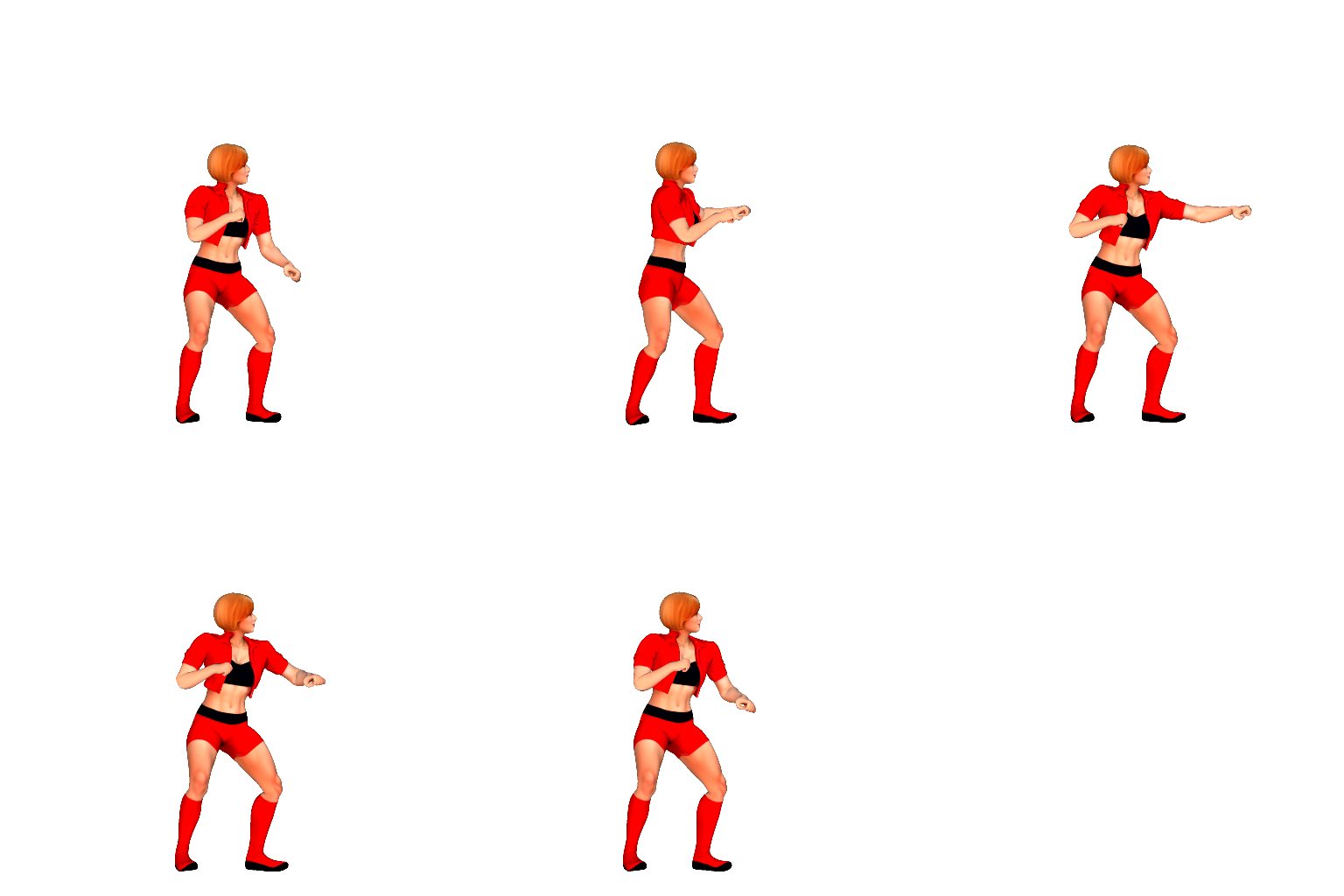
You should create a sprite sheet like the one in the picture. Don’t bother making the background transparent. I used this one because I already had a transparent one. You don’t need to use textures. I used them because I created this character a long time ago. The textures are already incorrect in many places. I used to generate 2D assets using Hunyuan 3D before. You can go with that solution as well, but the current method produces better results.
Step - 6
We need ControlNet images. For this, you can use my workflow or create your own. In the end, you will obtain three sprite sheets. One is generated from the 3D model. One is the depth map. The other one will be the Pose ControlNet.
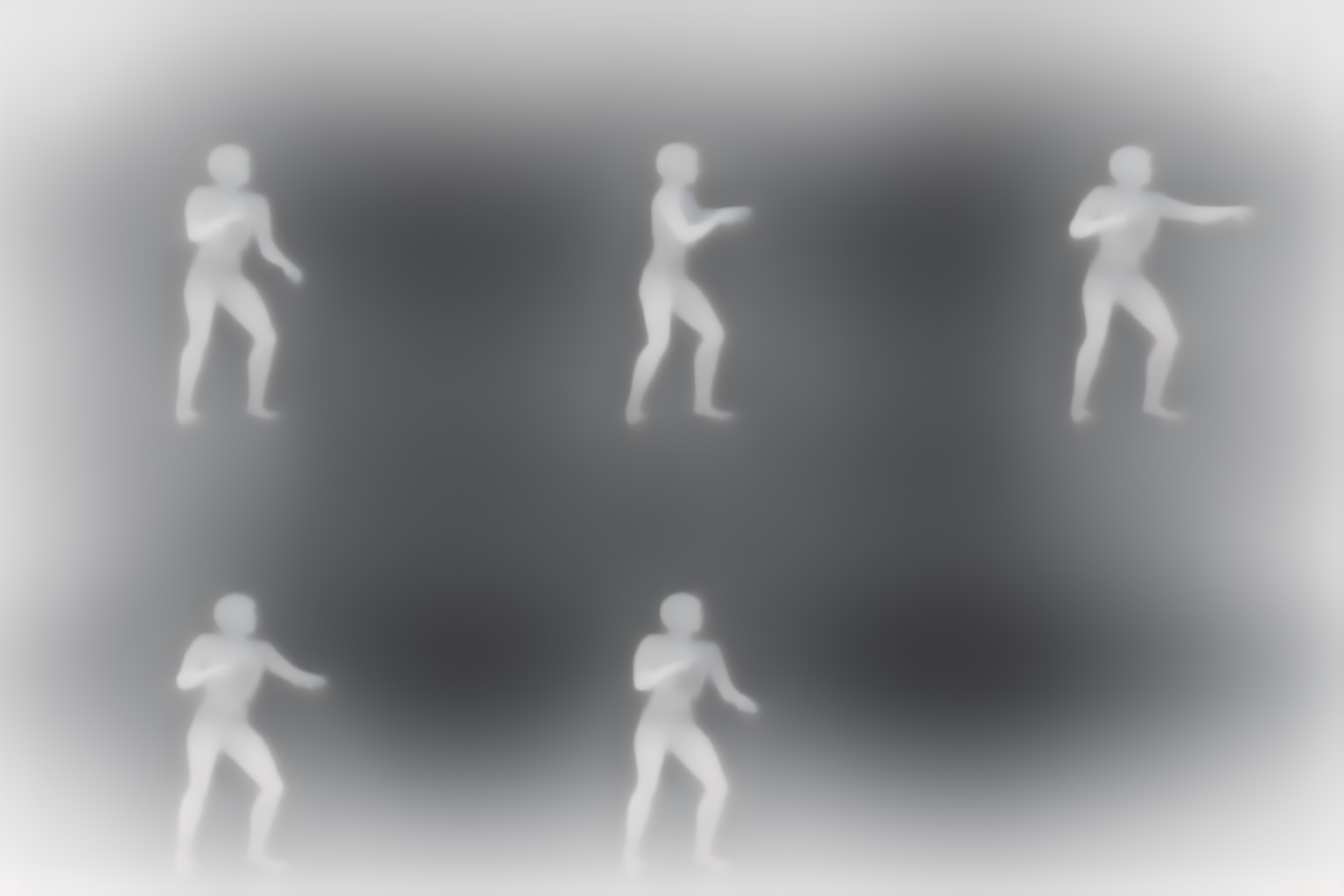
Depth Map
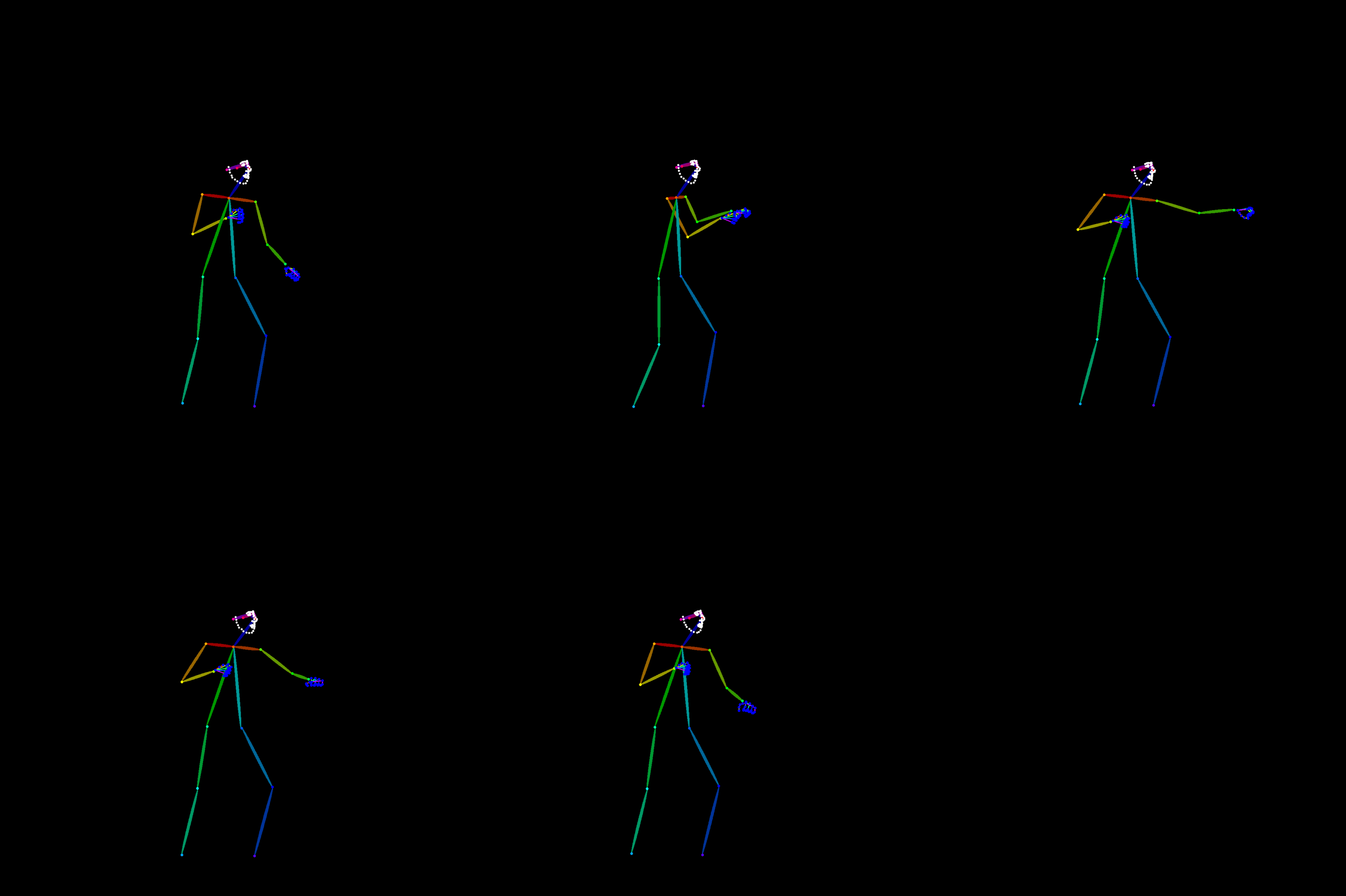
Pose Estimation - Depending on the complexity of the pose, adjust the bbox detection and pose estimator settings of the DW Pose Estimator node, and use the one that gives the best result.
Step - 7
It’s time to create the sprite sheet using the images we obtained. Add the images and generate it using the workflow I use. This step will take a long time.
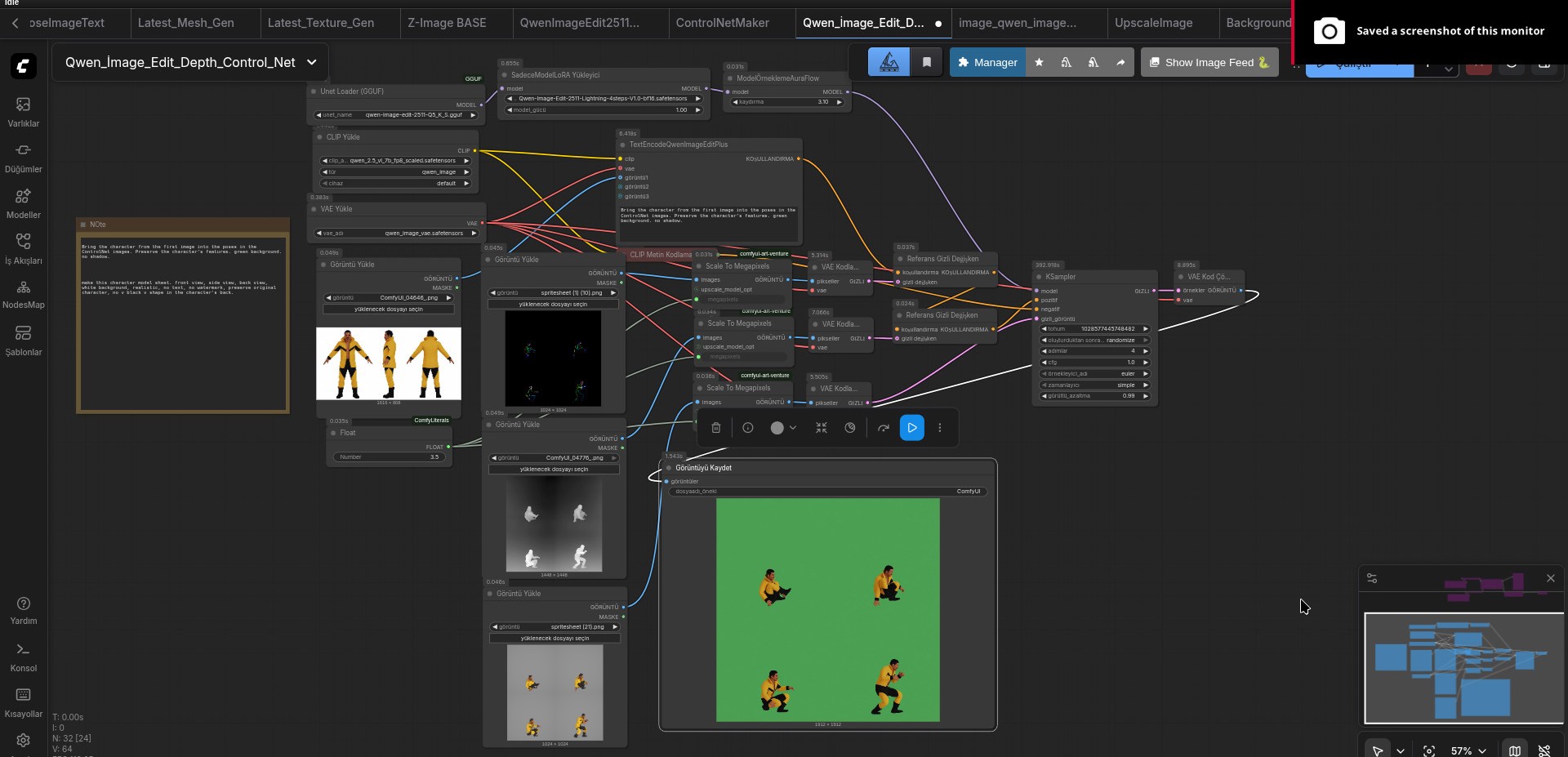
Workflow
I couldn’t give much information about VRAM optimization. Depending on the device you are using, you can change the GGUF model and reduce VRAM usage by adjusting the image generation size with a float value. Reducing the image size too much can cause the AI to produce poor or unusable results.
If you are experiencing VRAM issues, you can generate the character sprite animations one by one. This method can cause the sprites to vary significantly from each other.
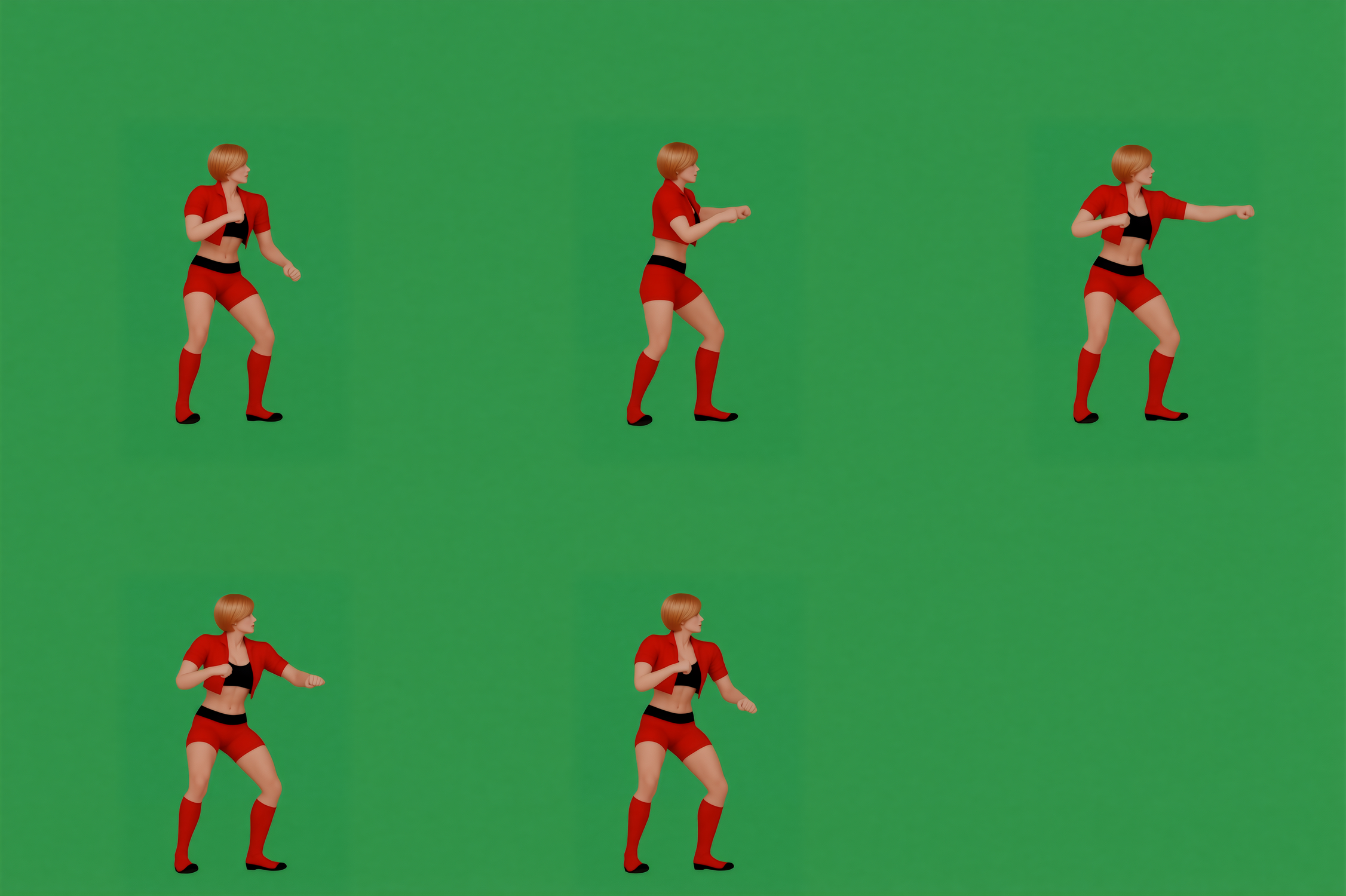
Sometimes there can be defects in the characters’ hands or bodies. If the defects are minor, you can fix them by editing in an application like Photoshop. If they are too damaged to fix, it’s time for a second generation.
Step - 8
After removing the background from the sprite sheets we generated, we reach the final result.
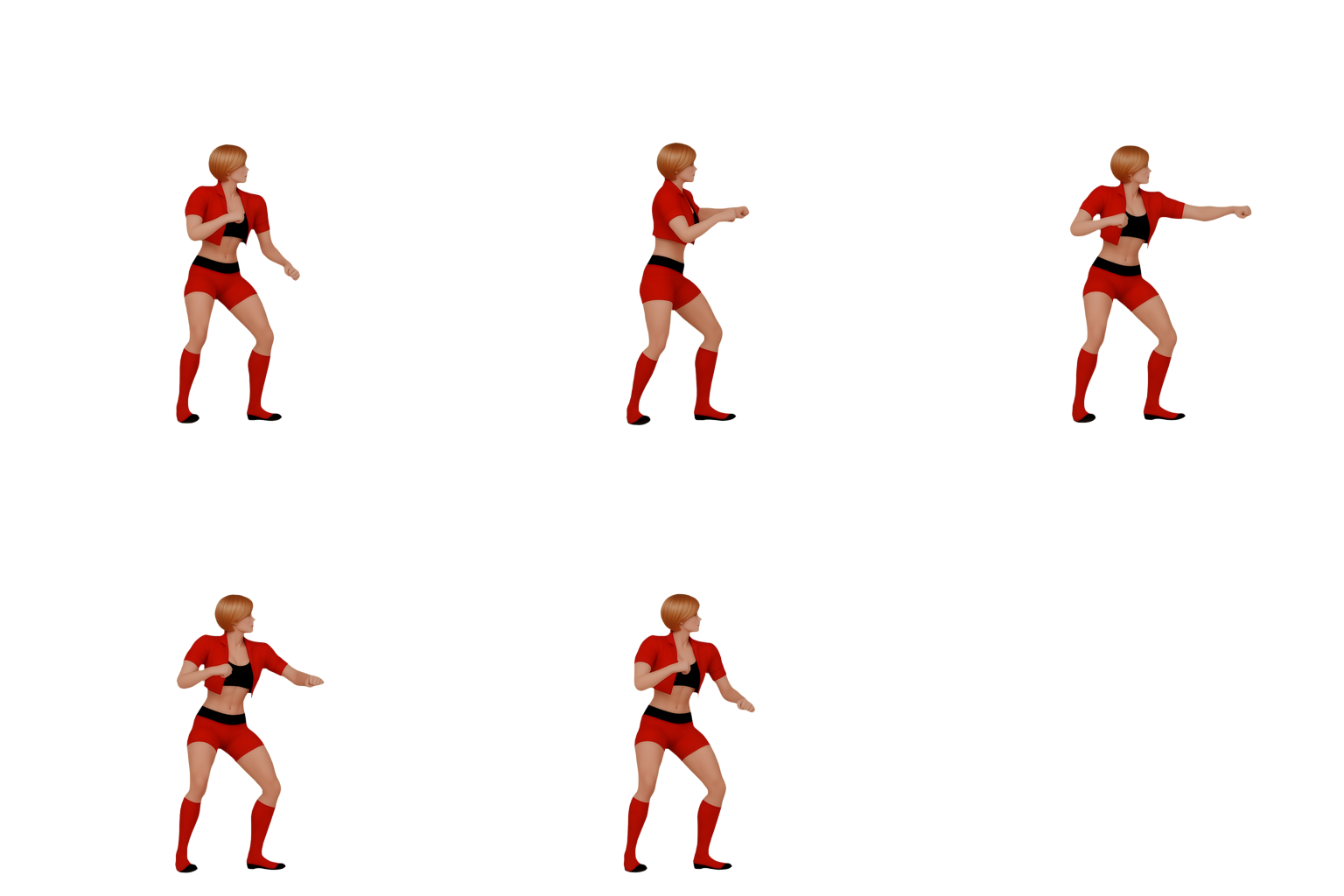
In this step, you should pay attention to the fact that the model that separates the background can produce different results depending on the type, color, and poses of the image. Sometimes a model works very well, and sometimes it gives very poor results. If the resolution is too high, it may also fail to separate the background. My recommendation is to reduce the resolution to 512x512 and then separate the background. This step, like the pose estimator, is one where you need to experiment to get the best result.
Download
Leave a comment
Log in with itch.io to leave a comment.